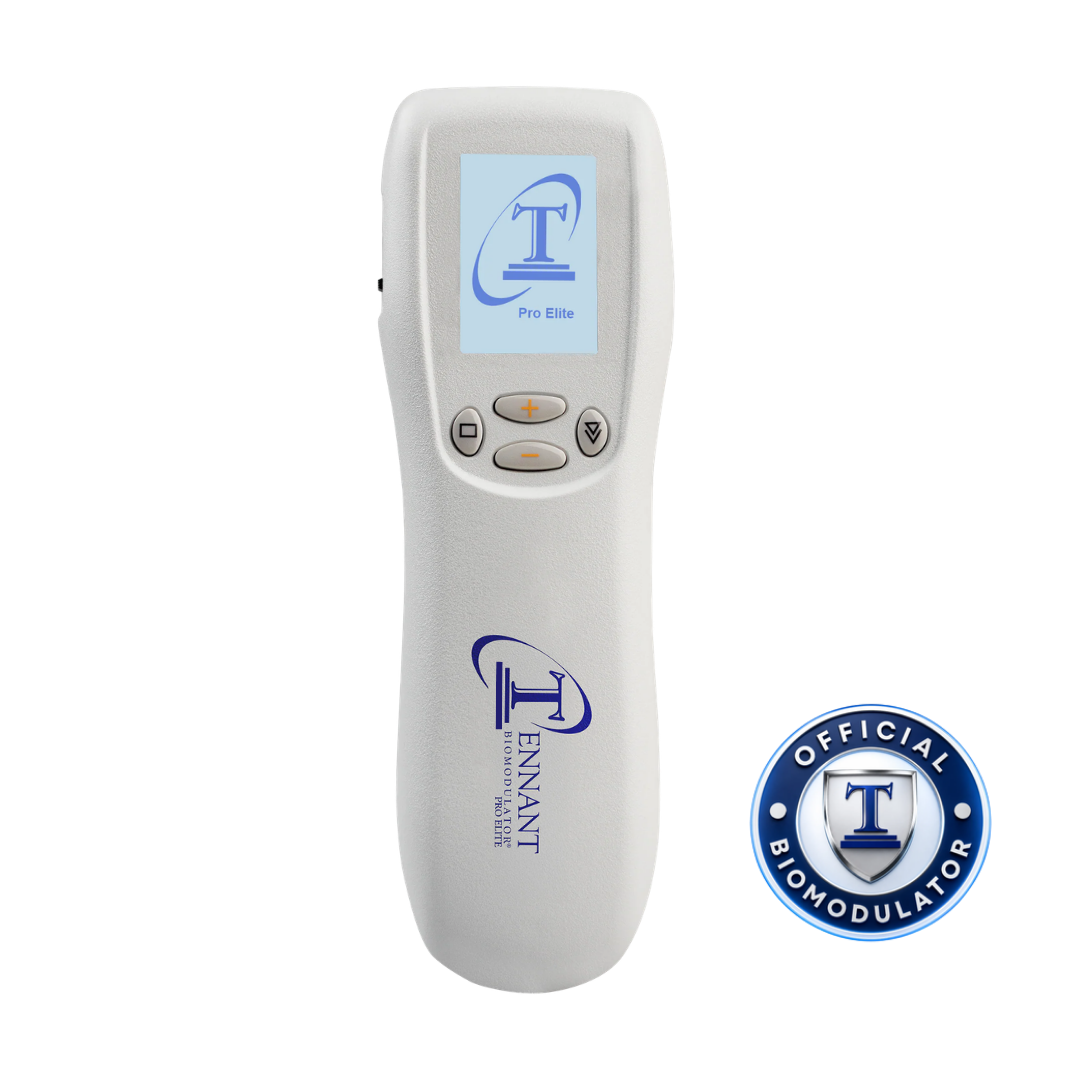
Follow the complete protocol. Use the mode, placement, energy and timing specified in the guidance for your session.
Tennant BioModulator®
Programs at a glance
Your mode reference.
The descriptions below reflect each program’s focus in Dr. Tennant’s teaching. Use the mode named in your protocol, along with its placement, energy and timing instructions.
Match your device. The operating manual lists seven programs for Plus Advantage and fourteen for Pro Elite. Pro Elite includes both groups below.
Included on both models
Plus Advantage and Pro Elite · 7 programs
TENNANT
Universal starting program
TEN-8®
Muscles and bones
Infinity®
Organs and deep tissue
V-NER
Parasympathetic nervous system
BBR
Structural alignment
Charge
Body circuits and voltage
DOSE 3
Scan and treat impedance at the cellular membrane level
TENNANT is the universal mode and the first program in the list. It is the starting point taught in your setup lesson. When following a specific protocol, select the mode that protocol names.
You do not need to use every program in a session.
How do I load a program?
Turn the device on and wait for the Tennant circle T logo to disappear.
Hold the Down Arrow on the right side for two seconds to open the LOAD screen.
Use the upper Plus (+) button to scroll through the programs.
Release on the selected program and allow it to load automatically. Then increase energy slowly as directed in your session guidance.
Does the Governor Circuit Full-Body Recharge use Charge mode?
The Governor Circuit Full-Body Recharge lesson specifies TENNANT Mode. A protocol’s title does not necessarily match the name of the device program it uses.
Program availability depends on your device model. The manual lists seven programs for Plus Advantage and fourteen for Pro Elite.
If your LOAD screen differs from this reference, contact your Tennant Health representative with your device model and a photo of the screen so they can help identify the appropriate instructions.
Program names and model availability: Tennant BioModulator Operating Manual, revision September 14, 2025, Quick Start and mode reference sections. Teaching focuses: Dr. Tennant’s device education materials. DOSE 3 description and loading sequence: Tennant Health owner guidance.
These summaries identify the programs. Use your applicable device instructions and complete protocol for preparation, placement, settings, timing and precautions.