Official owner education

Training Library

Return to the teaching you need.

Explore device guides, Power Hour replays, and talks and presentations for your Tennant BioTransducer® and Tennant BioModulator®. Search the collection below or browse by recording type.

Browse videos

New to your devices? Start Here brings the foundation and setup lessons together in a guided sequence.

Your video collection

Find a topic. Keep learning.

Browse device guides, Power Hours, and presentations. Search by topic or recording title, then choose a video to watch.

29 recordings

Power Hour

Quick Charge Protocol

Watch video
Talk & presentation

Ask Dr. Tennant: Live Q&A

Watch video
Power Hour

Governor Circuit Full-Body Recharge

Watch video
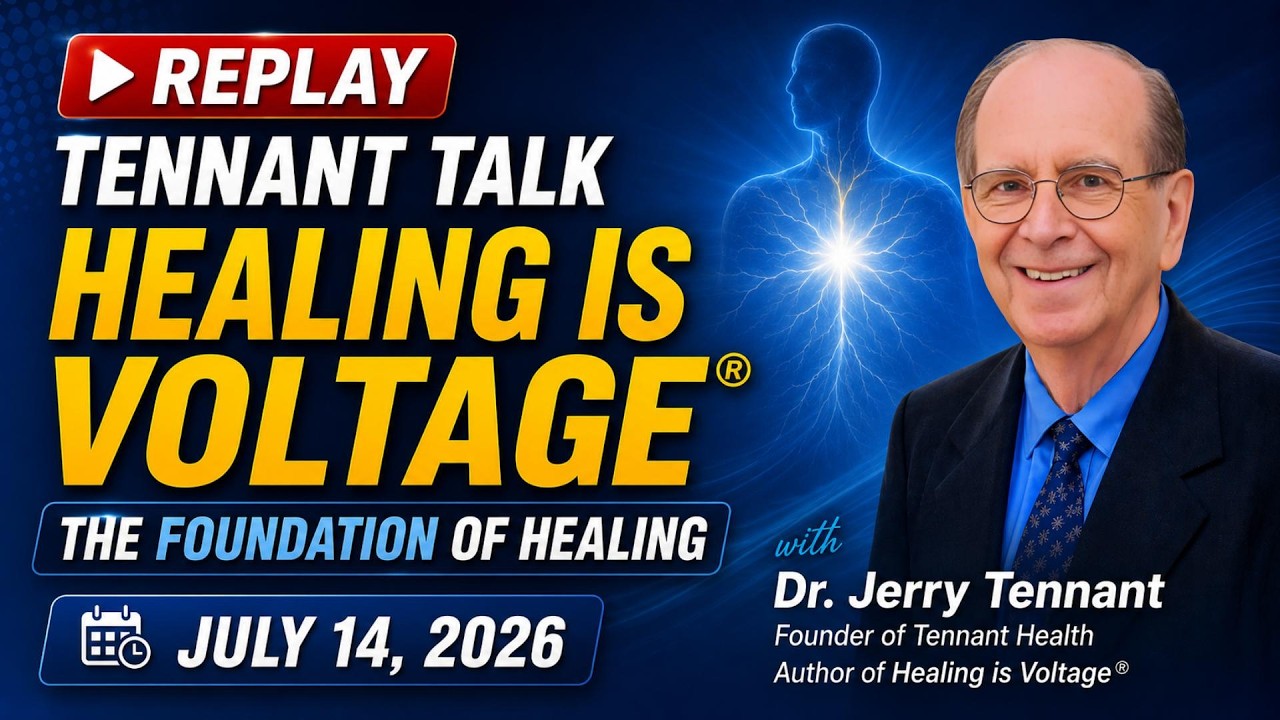
Talk & presentation

Healing Is Voltage®: The Foundation of Healing

Watch video
Device guide & overview

How to Access TENNANT Mode

Watch video
Device guide · Google Drive · Opens in a new tab

Accessing Tennant Programs & Accessories

Watch on Google Drive
Power Hour

Pet Wellness & Pain Relief Guide

Watch video
Talk & presentation

Your Cells Run on Electricity

Watch video
Power Hour

Education Resources Overview

Watch video
Device guide & overview

Tennant Devices with Tony Robbins & Dave Asprey

Watch video
Talk & presentation

The 6 Hidden Influences Blocking Healing

Watch video
Device guide & overview

Welcome: Device Unboxing & Setup

Watch video
Talk & presentation

Dr. Tennant at Beyond Biohacking

Watch video
Talk & presentation

Dr. Tennant at OxyNation

Watch video
Power Hour

Bowling Ball Syndrome Reset

Watch video
Talk & presentation

Gut Signaling, Digestion & the Vagus Nerve

Watch video
Device guide & overview

BioModulator®: Adaptive Microcurrent & Biofeedback

Watch video
Power Hour

Vagus Nerve Reset Guide

Watch video
Power Hour

Scar Integration Protocol

Watch video
Talk & presentation

How Posture Affects Cellular Voltage

Watch video
Power Hour

Device Owner Q&A: Pain Management Guide

Watch video
Talk & presentation

Healing Is Voltage: Webinar with Dr. Tennant

Watch video
Talk & presentation

How Cellular Energy Works

Watch video
Power Hour

Device Owner Q&A: Emotions Protocol

Watch video
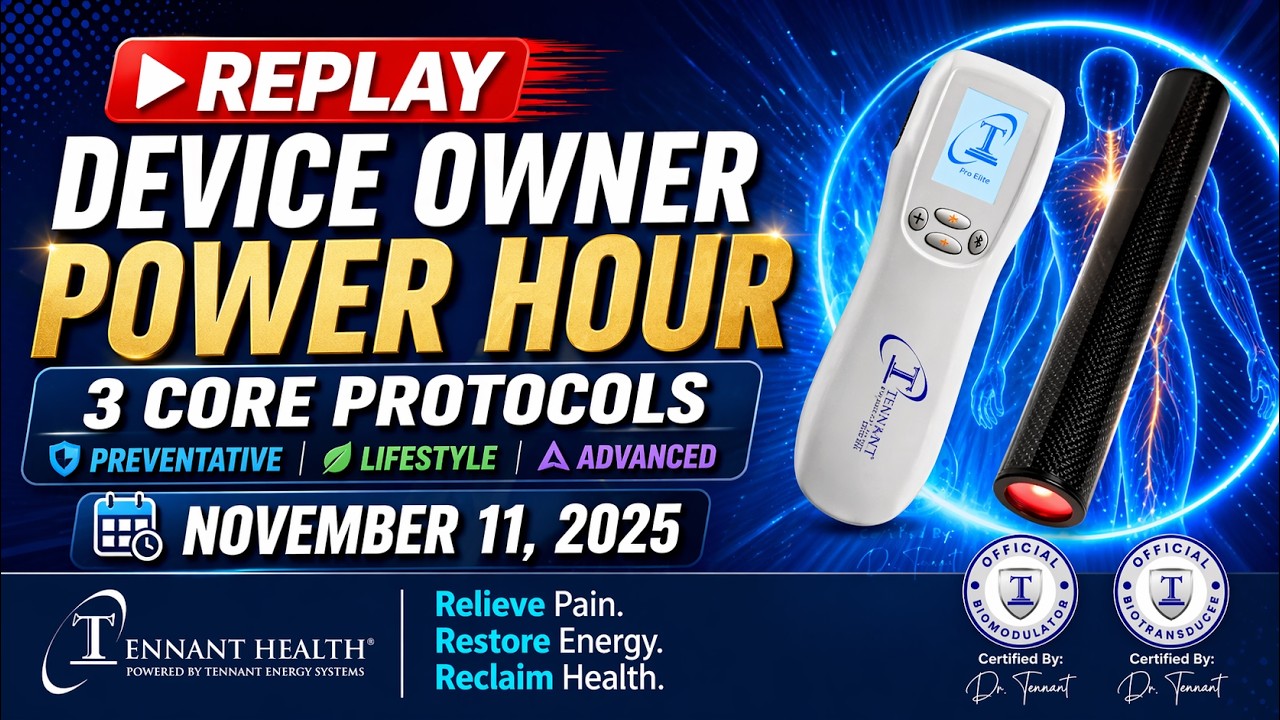
Power Hour

Device Owner Q&A: Three Core Protocols

Watch video
Talk & presentation

Scalar Energy & Cellular Voltage

Watch video
Talk & presentation

Fundamentals of Healing

Watch video
Device guide & overview

Tennant Devices with Tony Robbins & Dave Asprey

Watch video
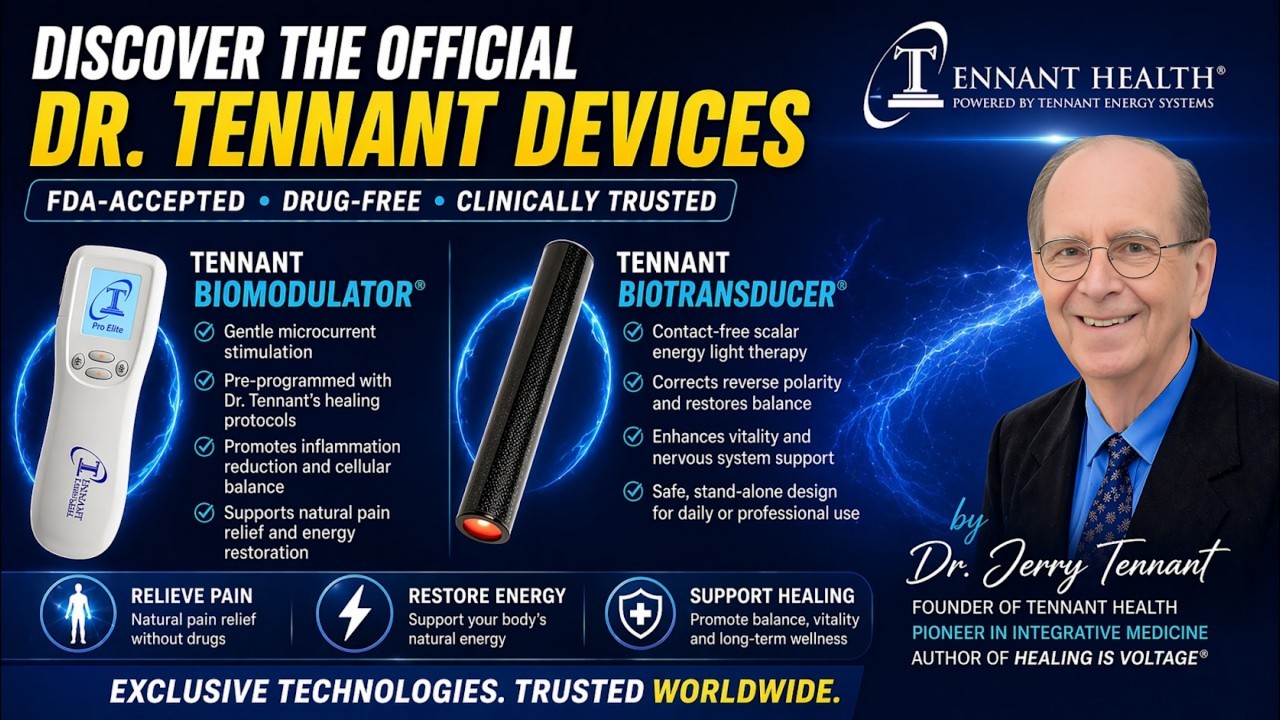
Device guide & overview

Tennant BioModulator® & BioTransducer® Overview

Watch video

Watching & learning

A little help as you learn.

Get help watching a recording or find the manuals, protocols, and setup instructions that support your learning.

Back to videos
How do I watch a recording?

YouTube recordings: select Watch here on a video card to open the player, then press Play. Select Close video to close the player, or Open on YouTube to watch in a new tab.

Google Drive recordings: select Watch on Google Drive on the card. The recording opens in a new tab. Return to this tab whenever you want to keep browsing.

How do I find a particular topic?

Search for a short topic, such as Tennant Mode, Governor, or Vagus. Choose All videos to include the whole collection, or select a category to narrow your results.

Use the Show more button below the cards to reveal additional recordings. Select Clear to remove your search words while keeping your chosen category.

Where are the guides that go with a recording?

When a YouTube recording has linked guides, they appear under Related resources beside the player.

Browse the Protocol Library for complete written protocols. Use Quick Reference for manuals, charts, and device reminders, or return to either device setup lesson using the links in this section.

What if a video won’t play?

If a YouTube recording won’t play here, select Open on YouTube beside the player. Google Drive recordings already open directly in a new tab.

If a recording is unavailable, asks for access, or still won’t play, contact Owner Support with its title, link, and any message you see so our team can help.