Your device resources
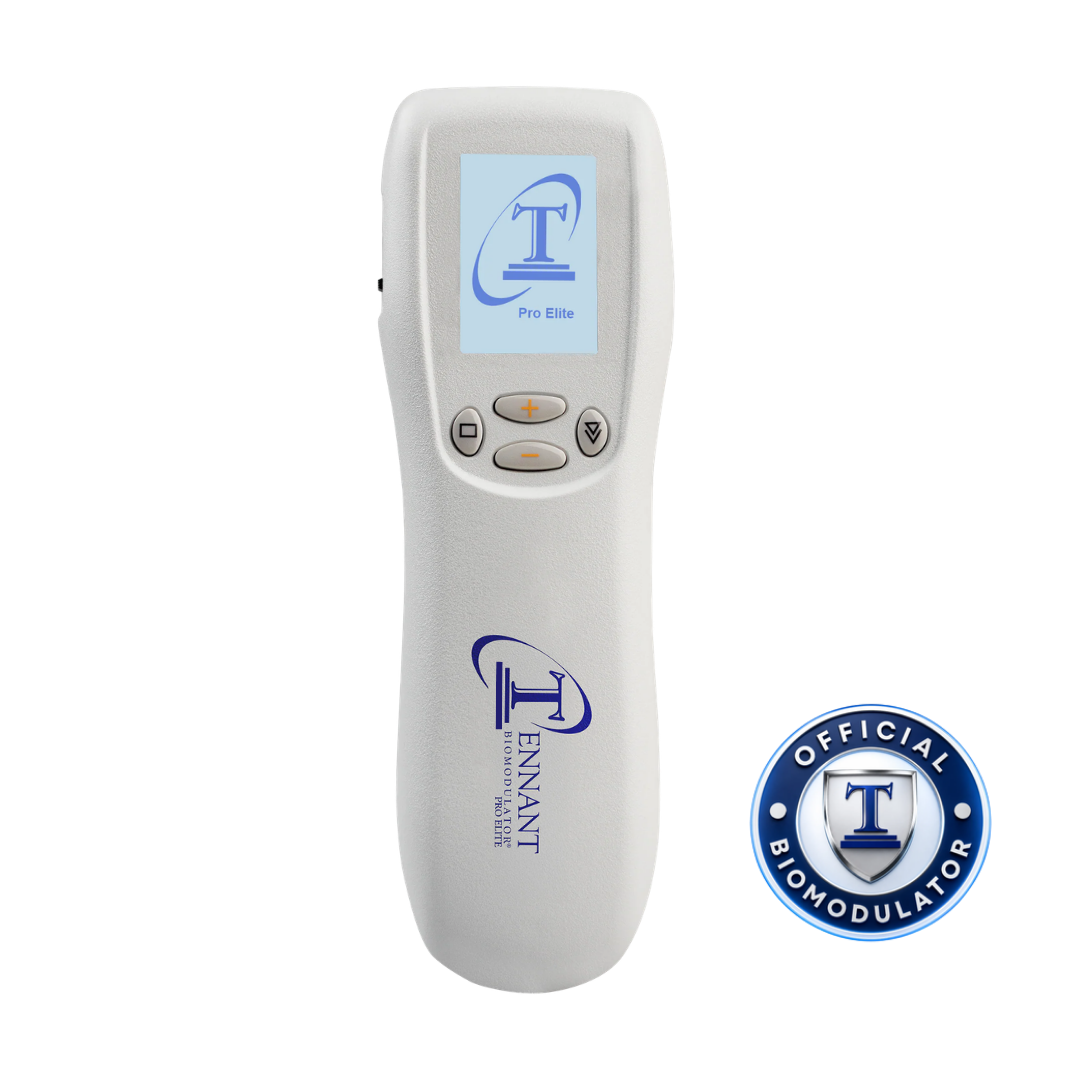
Tennant BioModulator®
Find the guidance you need for your Tennant BioModulator®, from batteries and startup to modes, electrodes, protocols, and everyday care.
Use the correct batteries. Your device uses four 1.5 V AAA alkaline batteries. Do not use rechargeable batteries.
Your BioModulator reference
Return to the guidance you need.
Open a manual, review device guidance, or find a recording. The manual and getting-started guide open in a new tab.
BioModulator® operating manual
Open the operating manual for your Tennant BioModulator.
Open manualBioModulator® getting-started guide
Keep your getting-started guide close at hand as you learn.
Open getting-started guideBatteries & startup
Review the four-battery installation, power switch, and startup sequence before opening the program list.
Review batteries & powerLoad TENNANT Mode
Follow the illustrated steps to open the LOAD screen, select TENNANT, and let the program load.
Open the loading guideModes reference
Explore the program names and descriptions, with availability organized by device model.
Explore modesAccessories & electrodes
Identify electrodes, pads, and connection wires, then review the notes for the accessory you have.
Explore accessoriesProtocol Library
Open the complete protocol PDFs for the device settings, connections, placements, and timing.
Browse protocolsTraining & replays
Find device tutorials, Power Hour replays, and Dr. Tennant’s teaching in the Training Library.
Browse trainingEveryday care
Review switching off, cleaning the case, storage, and the separate care instructions for electrodes.
Review device careDevice troubleshooting
Find checks for battery alerts, a dark screen, program loading, and accessory questions.
Review device questionsPreparing for a session? Read the complete protocol before beginning, including its mode, electrode placement, timing, and device instructions.
Helpful answers
Find the right next step.
Check these common questions. For the standby, language, and volume guides, open Quick Reference.
Open Quick ReferenceWhich program should I start with?
TENNANT is the universal starting program and the first program in the list. Use the illustrated setup guide to learn how to load it. When following a specific protocol, use the program named in that protocol.
Review how to load TENNANTDoes choosing a mode give me the complete protocol?
The Modes reference explains the programs. The complete protocol provides the instructions for the session, including the mode, electrodes or pads, connections, placement, and timing. Review the full protocol before beginning.
Open Protocol LibraryWhat if I cannot find a mode on my device?
Program availability depends on your device model. Compare your device with the model groups in the Modes reference. If the program list still looks different, have your model information ready and ask the Tennant Health team for help.
Talk to the TeamCan I clean the case and electrodes the same way?
Follow the instructions for each component. Case-cleaning directions do not automatically apply to adhesive pads or every electrode. Review the care guide and the instructions supplied with the accessory you are using.

Review electrode care