
Your accessory reference
Find the accessory you have.
Use the guide, video, or photographs to identify your accessory. Review the connection notes alongside the instructions for your protocol. The guide, video, and larger photographs open in a new tab.
Tennant Health Accessory Guide
Open the accessory guide alongside your device education and complete protocol.
Open accessory guideAccessing Tennant Programs & Accessories
Watch the guide to accessing Tennant programs and accessories.
Watch video guide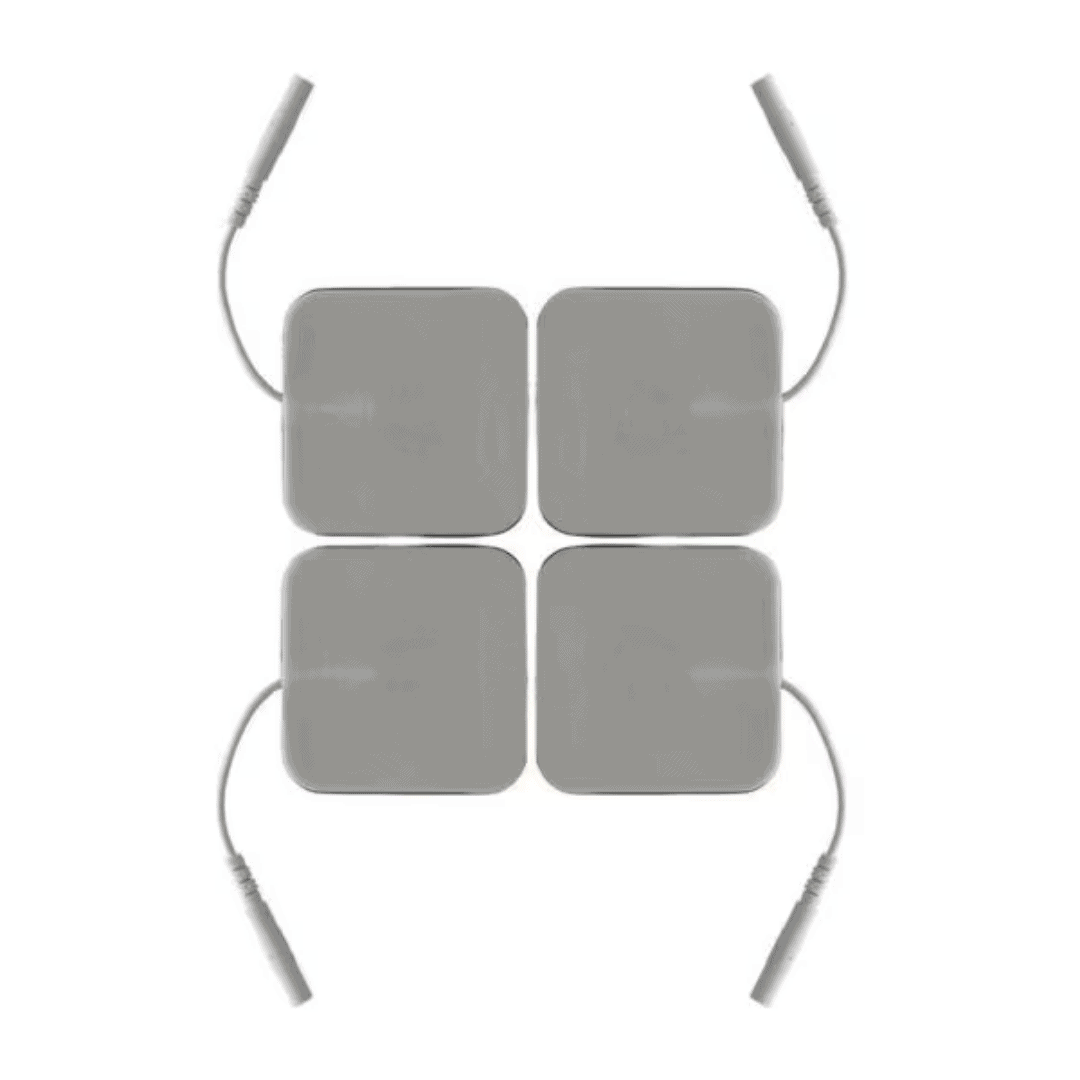 View larger
Electrode pads
Self-Adhesive Square Electrodes
Self-adhesive pads for a stationary, hands-free setup.
Connection notes for Self-Adhesive Square Electrodes
Pair with a compatible 2-Pin or 4-Pin Connection Wire. Follow your protocol for the number of pads and their placement.
 View larger
Connection wire
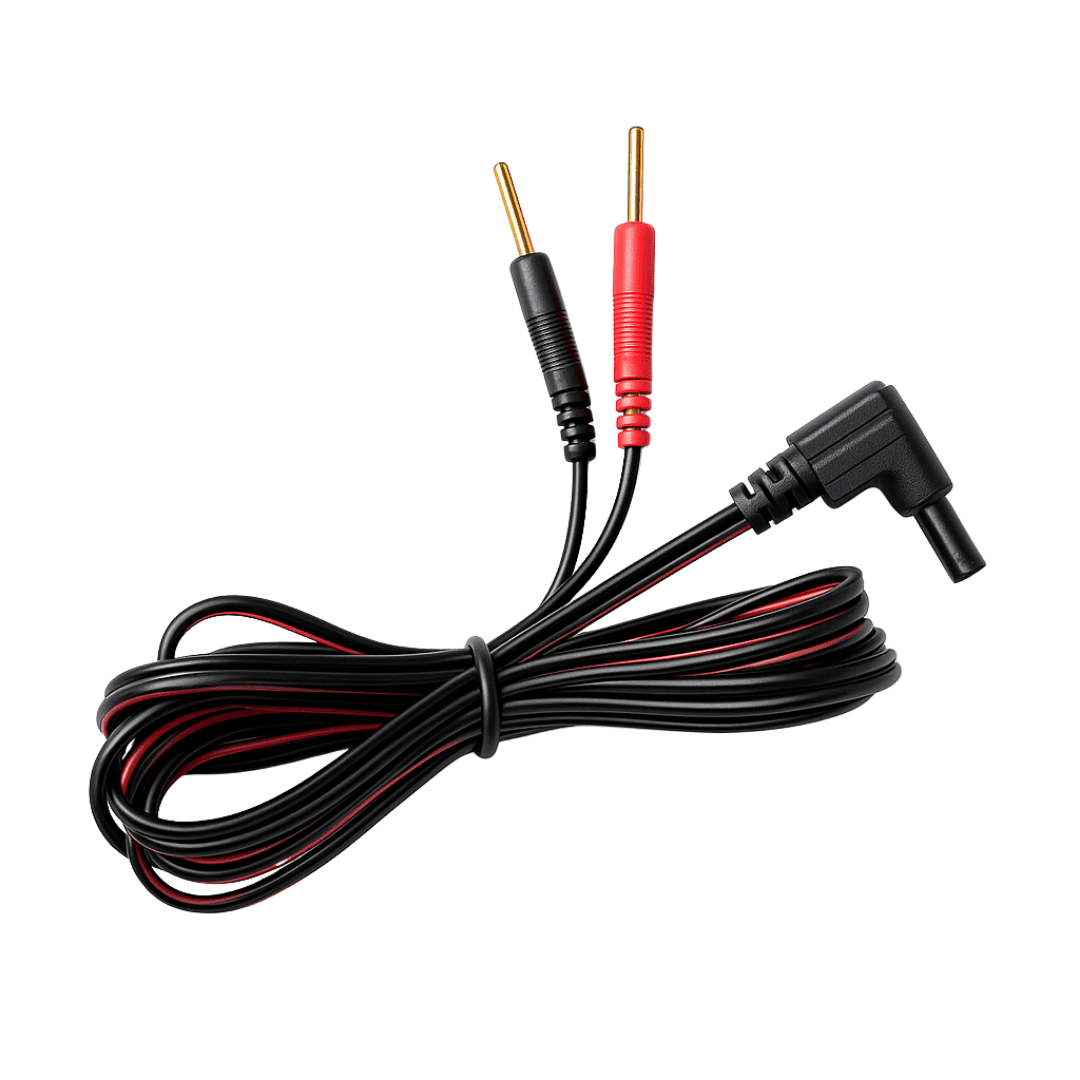
2-Pin Connection Wire
Two electrode connections for a two-pad setup.
Connection notes for 2-Pin Connection Wire
Connect to two compatible self-adhesive square electrodes. Follow the protocol’s instructions for red- and black-lead placement.
 View larger
Connection wire
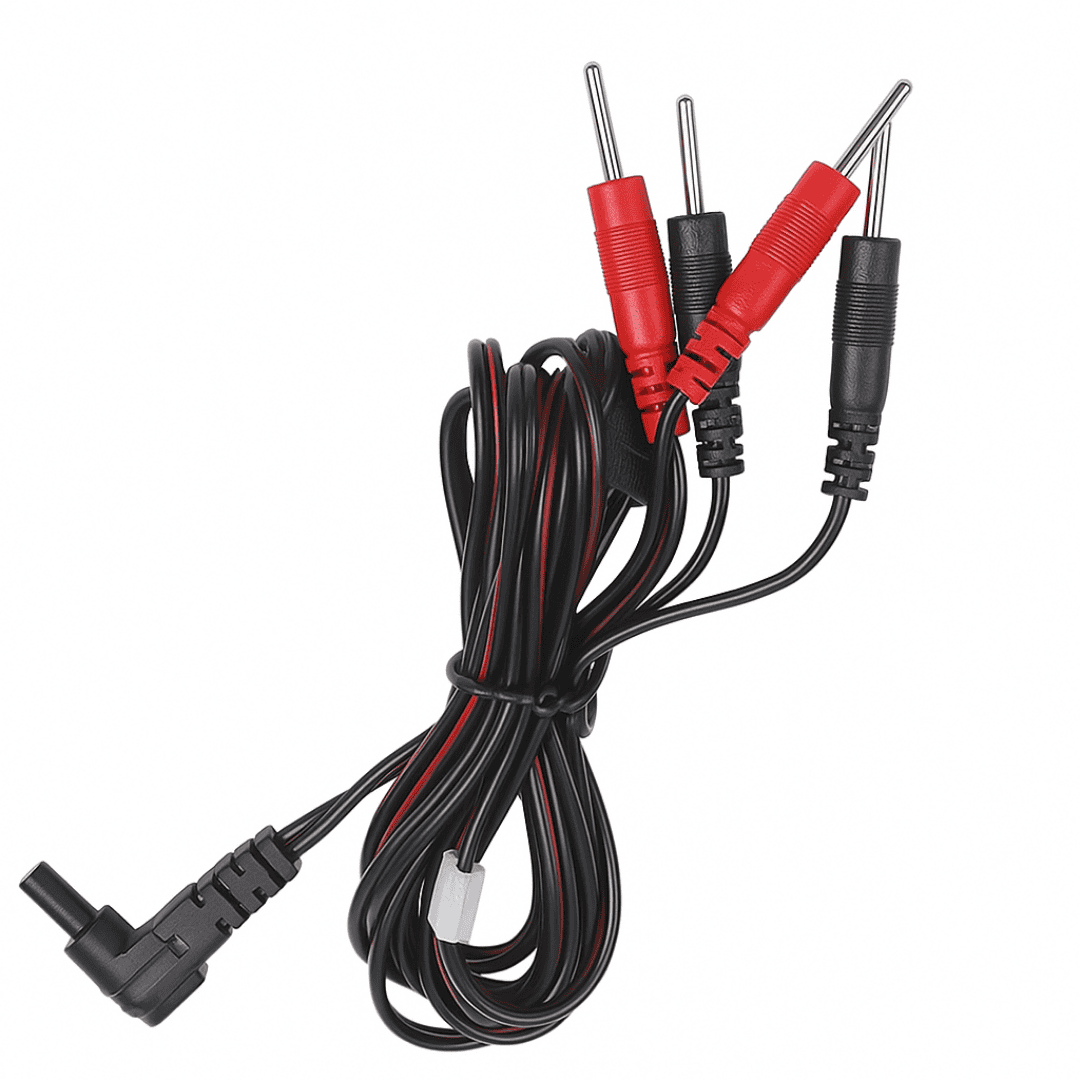
4-Pin Connection Wire
Four electrode connections for a four-pad setup.
Connection notes for 4-Pin Connection Wire
Use with four compatible self-adhesive square electrodes. Match the lead colors and pad positions to the complete protocol.
 View larger
Handheld electrode
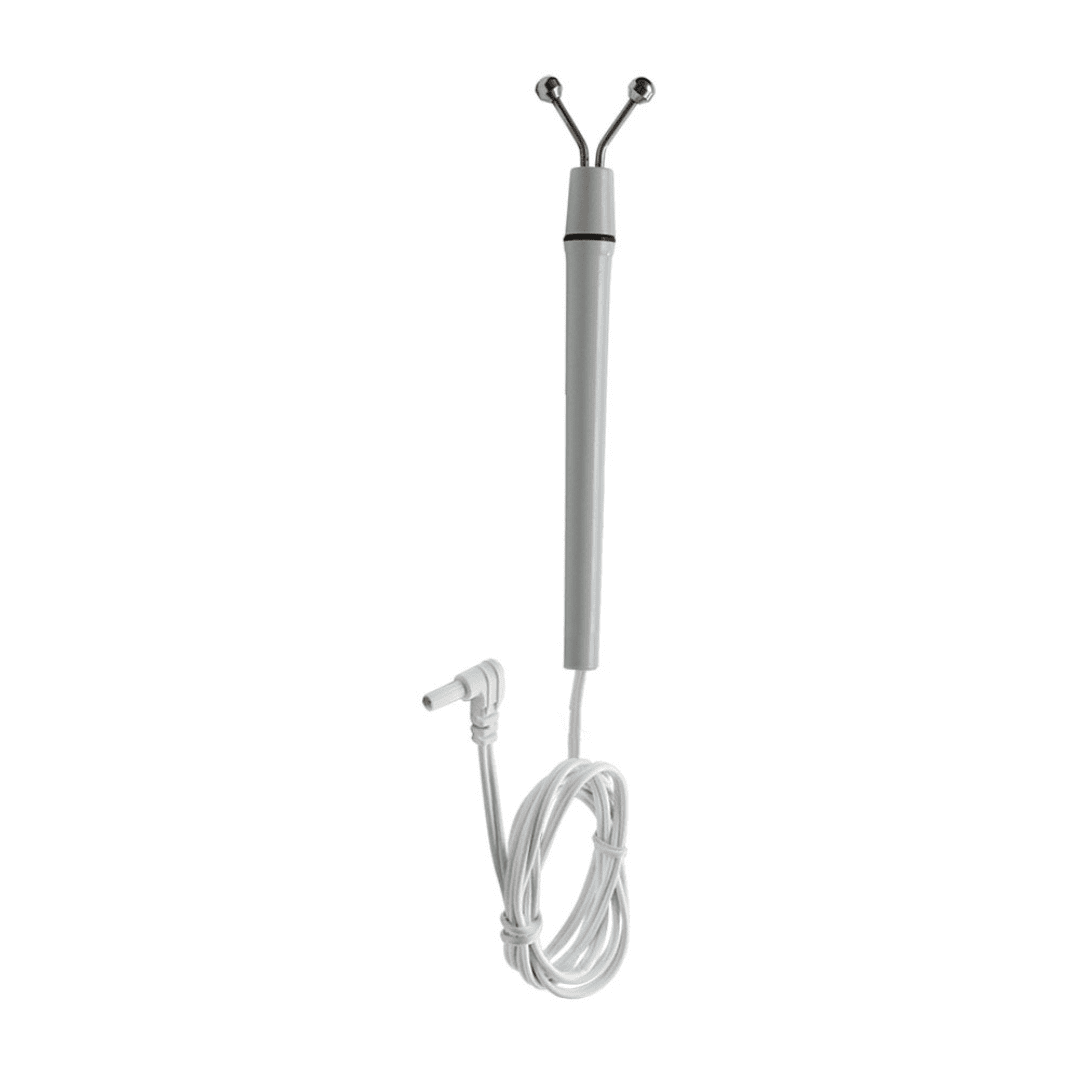
Snail Electrode / Y-Point Probe
Handheld electrode, also known as the Y-Point Probe.
Connection notes for Snail Electrode / Y-Point Probe
Uses its supplied connection wire with the compatible BioModulator setup. Follow your protocol for contact and placement.
 View larger
Handheld electrode
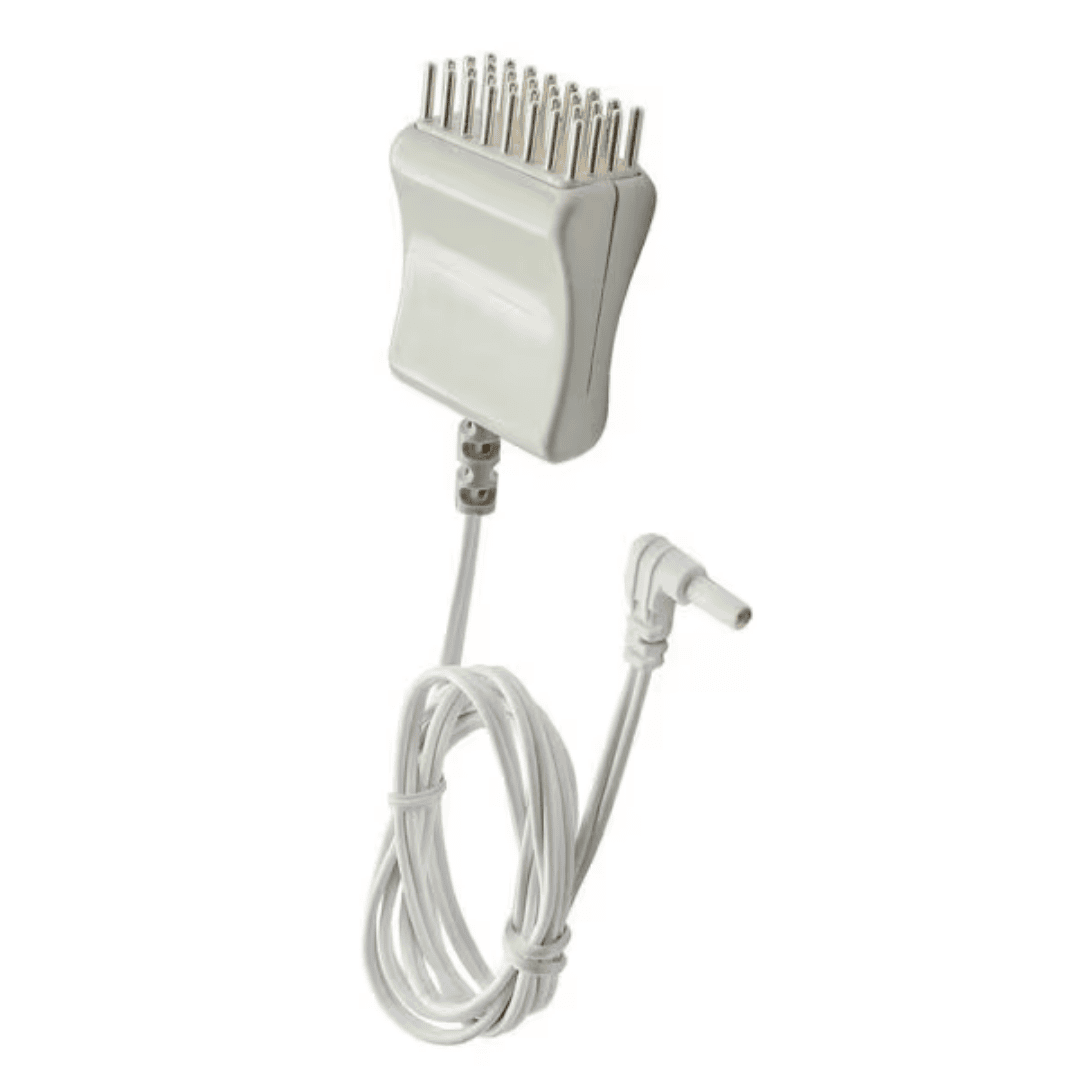
Comb Electrode
Multiple contact points in a comb-style head.
Connection notes for Comb Electrode
Includes an attached connection wire. Use the official guidance for scalp or other specified external placements.
 View larger
Handheld electrode
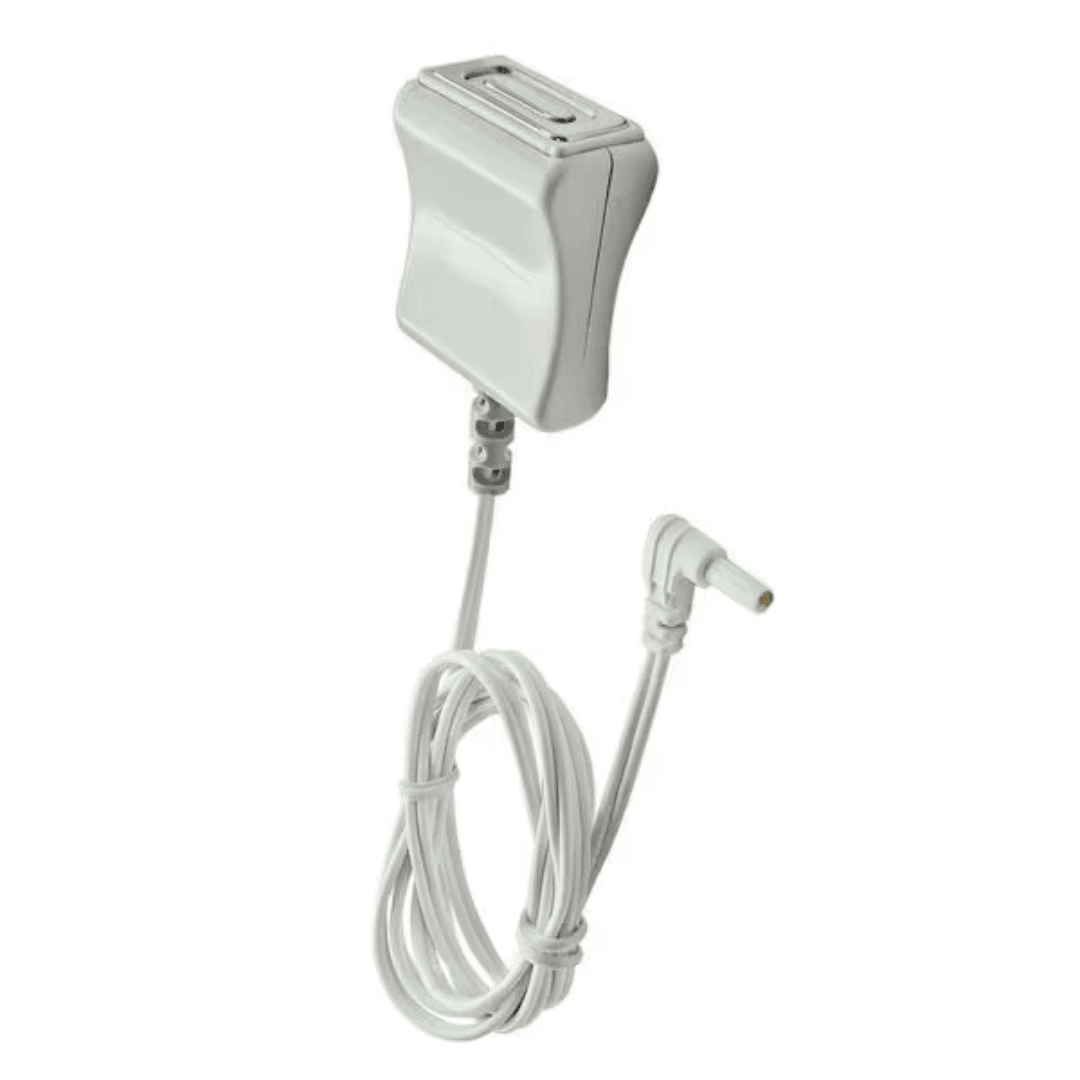
Cosmetic Electrode
Small, smooth contact surface for guided facial applications.
Keep away from the eyes and eyelids.
Connection notes for Cosmetic Electrode
Includes an attached connection wire. Follow the specific accessory instructions and approved placement guidance.
 View larger
External electrode
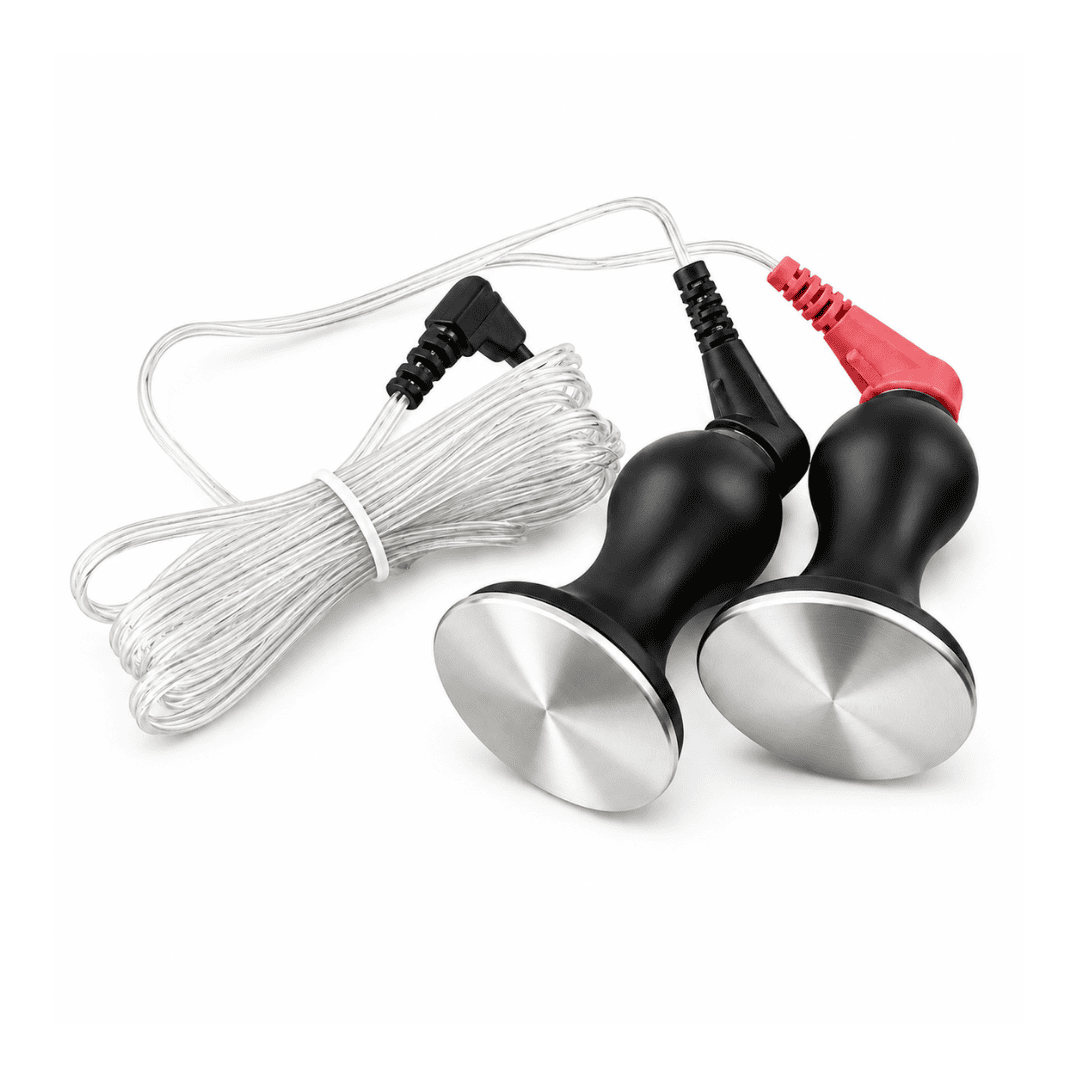
Paravertebral Electrode · Double Bell
Two rounded electrode contacts for guided external placement.
Connection notes for Paravertebral Electrode · Double Bell
Use the compatible electrode lead setup for your Double Bell accessory. If you are unsure which leads you have, ask your Tennant Health contact.
 View larger
Animal accessory
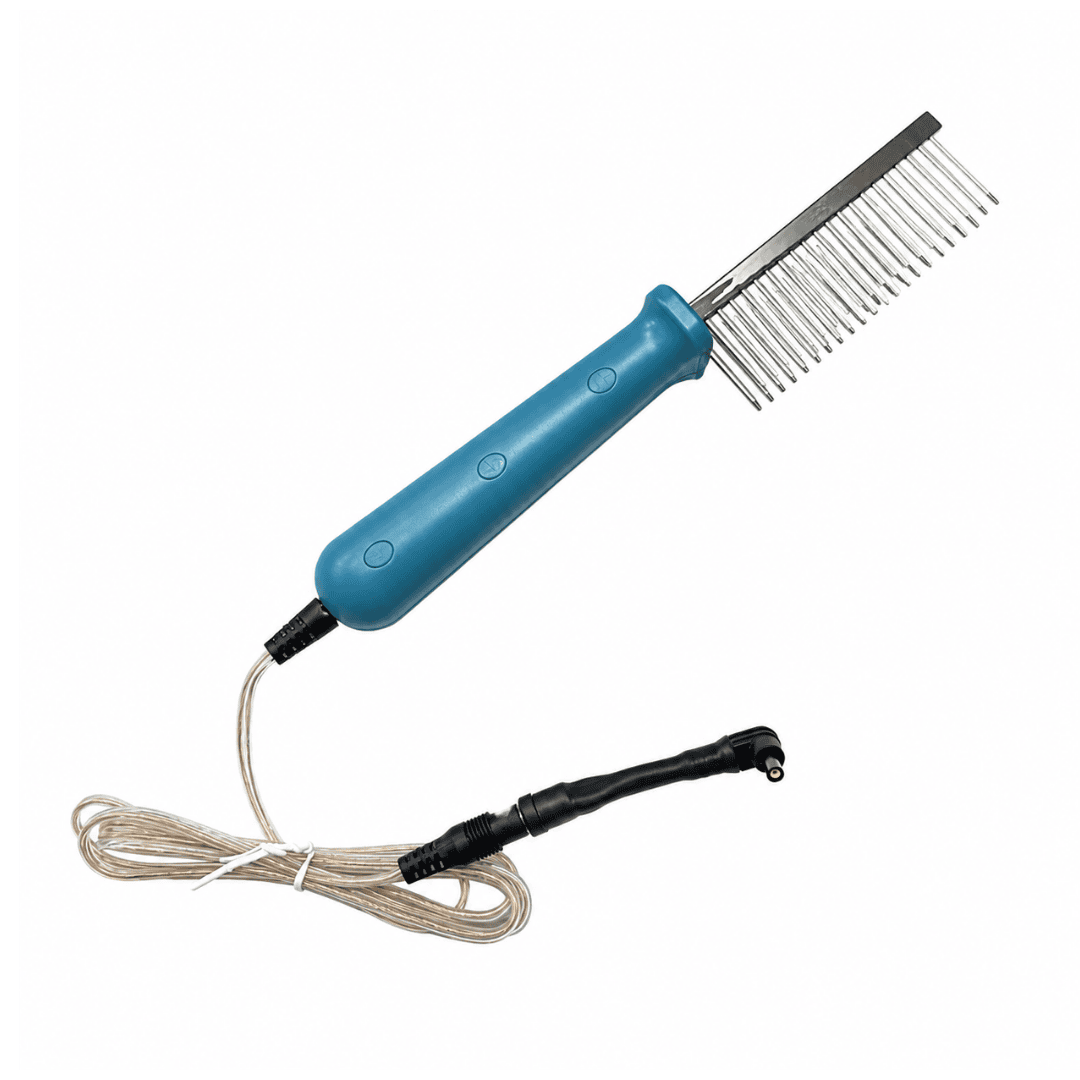
BioModulator Pet Brush
Brush-style metal contact points for guided animal use.
Connection notes for BioModulator Pet Brush
Includes an attached connection wire. Follow the Pet Wellness guide and veterinary advice for your animal’s health needs.
Follow the complete instructions. Use manufacturer-approved accessories and the placement, lead connections and settings specified for your protocol. If you are unsure whether a component matches your device, ask your Tennant Health contact before using it.
Connection & care
Common accessory questions
Find the next step for your setup, care instructions or a component you need help identifying.
Review BioModulator SetupWhich accessory should I choose?
Start with the complete protocol you plan to follow. It identifies the equipment and placement for that session. If the instructions or a component in your kit are unclear, your Tennant Health representative can help you match the setup.
Open Protocol LibraryWhere do external accessories connect?
External electrodes use the BioModulator’s external electrode port with the compatible connection specified for that accessory. Adhesive pads require a compatible lead wire. Follow the instructions supplied with your device and accessory; ask your Tennant Health contact if a connector does not match.
Can I clean every accessory the same way?
Follow the care directions supplied for the specific electrode, pad or brush. Do not assume a cleaning method for the device case also applies to adhesive pads or every external electrode. If you no longer have the care instructions, contact the team with the accessory name or a photograph.
What if my accessory looks different?
Send your Tennant Health representative a clear photograph of the accessory and its connector, along with your device model. The team can help identify the component and confirm compatibility or the appropriate replacement.
Talk to the Team
Need a replacement component?
Confirm the accessory and connection before ordering.