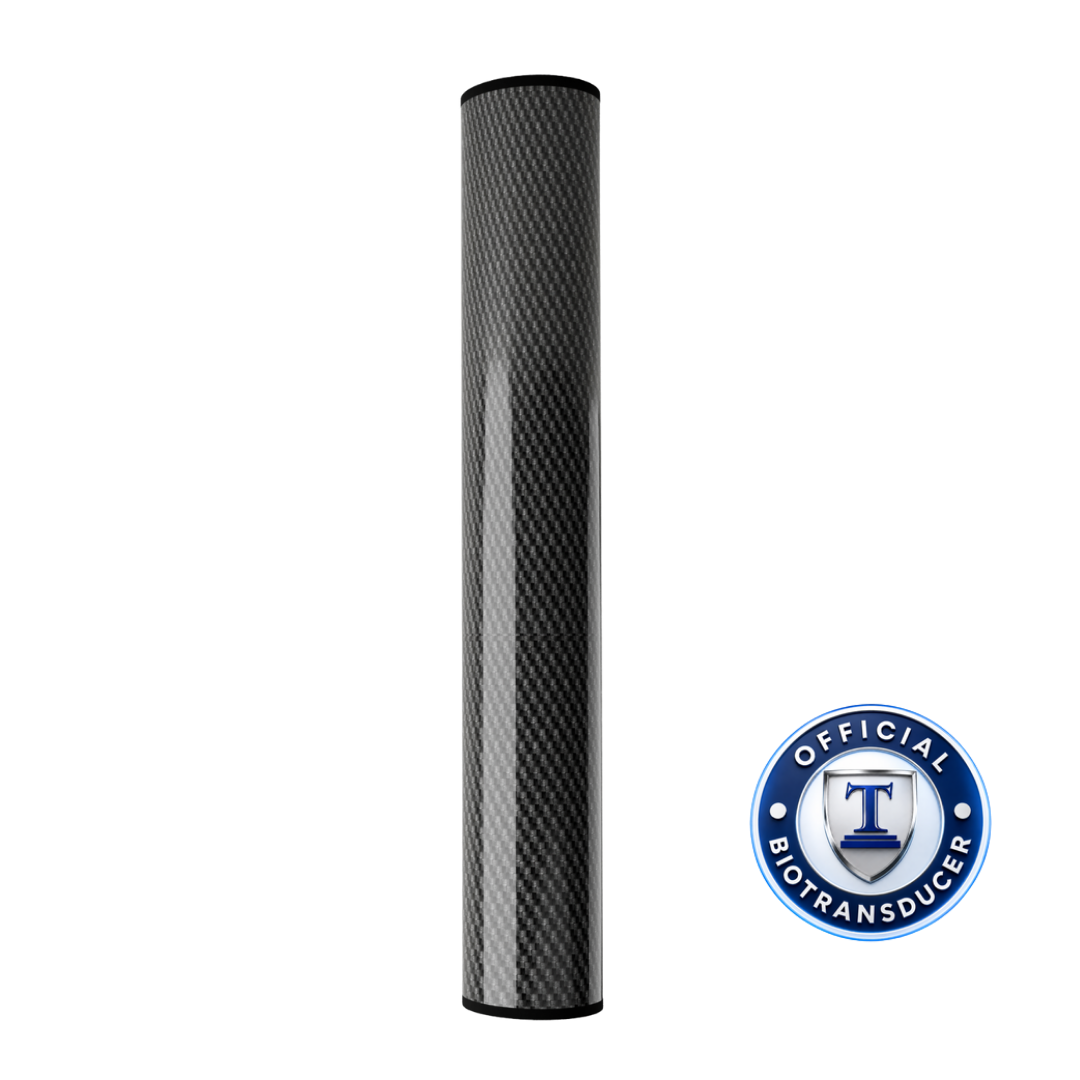
Check the guidance for your device. Charging times vary by version. The setup guide helps you identify your device’s charging configuration and follow the appropriate instructions.
Tennant BioTransducer®
Your BioTransducer reference
Return to the guidance you need.
Open a manual, review device guidance, or find a recording. Manuals open in a new tab.
No. Both standard and updated charging versions can have a USB-C port. Use the charging-port comparison and the instructions for your confirmed version. If you are unsure, ask the Tennant Health team to help identify your hardware.
The positioning guide linked above belongs to the Governor Circuit Full-Body Recharge lesson. For another protocol, open that protocol’s complete instructions and follow its positioning and timing.
Use Quick Reference for the charging comparison, setup illustrations, manuals, and charts. The setup and session reminders link to their complete lessons.
Have your device’s model information and serial number available, if present. For a charging question, include clear photos of the charging port, cable, and adapter label. Describe what happens, which lights appear, and the checks you have already tried.